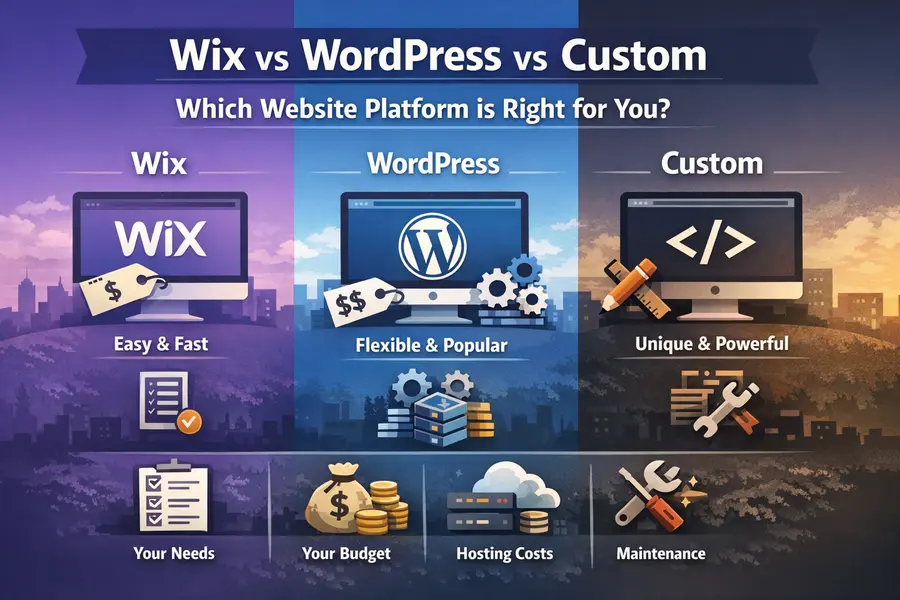
How to choose the right website platform (Wix vs WordPress vs Custom)
A quick checklist to pick the best fit for your budget, updates, and features.
How to Choose the Right Website Platform
(Wix vs WordPress vs Custom)
If you’re not sure what your website should be built with — that’s normal. Most businesses don’t need “the best technology.” They need the best fit.
This guide helps you decide in about 5 minutes.
Start with these 5 questions
1) Do you want to edit the site yourself often?
Yes, weekly or monthly → Wix or WordPress
No, rarely → Custom-built can be better (faster, cleaner, fewer headaches)
2) How important is “it must look exactly like my brand”?
“Pretty close is fine” → Wix or WordPress theme
“It must match my design exactly” → Custom-coded
3) Do you need special features?
Pick the closest match:
Simple (call, text, contact form, services, photos, reviews) → Wix or WordPress
Booking + reminders + deposits/payments → Wix/WordPress + add-ons (often enough)
Selling products (real store) → Shopify, or WooCommerce on WordPress
Custom workflows (quotes, dashboards, logins, portals, unusual logic) → Custom-coded
4) How much do you hate ongoing maintenance?
Be honest:
“I don’t want to deal with updates or fixes.” → Wix (least maintenance)
“I’m okay with occasional updates.” → WordPress
“I want it stable with minimal moving parts.” → Custom-coded (when built properly)
5) What’s your real budget?
Think build cost + ongoing cost, not just upfront price.
Ongoing costs matter more than people expect.
Quick recommendations
(Most people fit one of these)
Choose Wix if you want speed and simplicity
Best for:
New businesses that need a clean site fast
1–5 pages (services, photos, contact, reviews)
Minimal maintenance
Trade-offs:
You work inside Wix’s limits
Extra features can get expensive as you add apps
Typical ongoing costs:
Monthly plan (hosting included)
Domain (yearly)
Choose WordPress if you want flexibility and options
Best for:
Businesses that want more control long-term
Blogs or content-heavy sites
A better upgrade path than most builders
Trade-offs:
More moving parts (themes, plugins, updates)
Can get messy if too many plugins pile up
Typical ongoing costs:
Hosting (monthly)
Domain (yearly)
Optional maintenance plan (recommended if you don’t want to manage updates)
Choose Custom-coded if you want performance and a site built around your business
Best for:
Strong branding (unique layouts, animations, polished feel)
Fast-loading websites
Custom features builders struggle with
Fewer plugin-related issues
Trade-offs:
Higher upfront cost
No drag-and-drop editing by default (though easy editing can still be set up if needed)
Typical ongoing costs:
Hosting is often low-cost for simple sites
Domain (yearly)
Optional small monthly support if you want someone on-call
A simple decision rule (no overthinking)
Pick Wix if:
You want the simplest option
You want to edit the site yourself
You don’t want maintenance headaches
Pick WordPress if:
You want flexibility without going fully custom
You plan to grow content or features over time
You’re okay with updates (or want someone else to handle them)
Pick Custom-coded if:
You care about speed, design quality, and a premium feel
You want something built specifically for your business
You need features that don’t fit neatly into templates
Real-world examples
Example A: “I just need leads”
You need: services, photos, reviews, contact form, call/text buttons Best fit: Wix or WordPress Why: fast, affordable, gets the job done
Example B: “My site looks outdated and slow”
You need: redesign, mobile cleanup, speed improvements Best fit: Redesign (builder or custom) Why: you might not need a full rebuild — just a proper refresh
Example C: “I want booking + payments + follow-ups”
You need: booking, payments, confirmations, reminders Best fit: Wix or WordPress with add-ons Why: you can get 90% of what you need without going fully custom
Example D: “I need something nobody else has”
You need: custom quote flow, client portal, dashboard, unusual workflow Best fit: Custom-coded Why: builders become limiting and expensive at this point
What about hosting and monthly costs?
Here’s the simple truth:
Wix → hosting is bundled (easy, predictable)
WordPress → hosting is separate (more control, more responsibility)
Custom-coded → hosting can be very cheap for simple sites, and you avoid plugin bloat
The cheapest upfront option can become expensive if:
upgrades are forced for basic features
the site needs frequent fixes
you keep adding apps or plugins
The mistake most people make
They choose a platform first.
A better approach:
Decide what the site must do today
Decide what it might need in the next 12–24 months
Choose the platform that meets those needs with the least headache
Want a clear answer in 10 minutes?
Send me:
your business type
how many pages you need
whether you need booking or payments
whether you want to edit it yourself
2–3 example sites you like
I’ll recommend Wix vs WordPress vs Custom, and give you a clear quote and timeline.